Your files
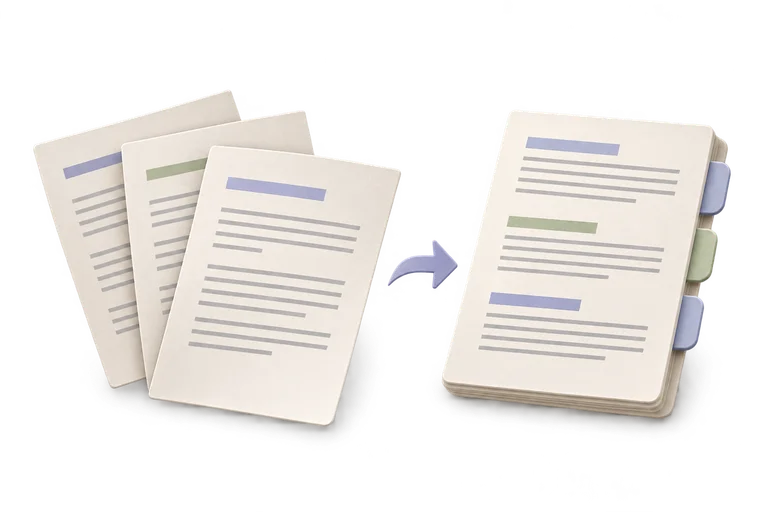
Add two or more PDFs, then arrange them.
Up to 20 files · 32 MiB per file · 64 MiB total · 1,000 pages
Local processing. Your originals stay untouched.
Combine
Add at least two PDFs.
The preview opens on the right after you add a PDF.
Add at least two PDFs.
File limits and compatibility
- Whole files are merged in the listed order. Optional previews show the first 40 pages; merging and downloading work without preview support.
- Preview requires browser canvas support and the PDF Studio pack when offline.
- Choosing individual pages inside one file is a later tool.
- This build accepts up to 20 files, 32 MB each, 64 MB together, and 1,000 pages.
- The result is assembled, not recompressed or re-rendered.
- Document-level bookmarks, forms, attachments, and digital signature validity are not preserved as a complete workspace.
- These limits are tested on desktop browsers; physical mobile memory behavior is still unverified.